What Is a Digital Co-Worker? How AI Agents Fit Into Real Teams
By Shaghil Shahzad, Easify AI · · 7 min read · Updated
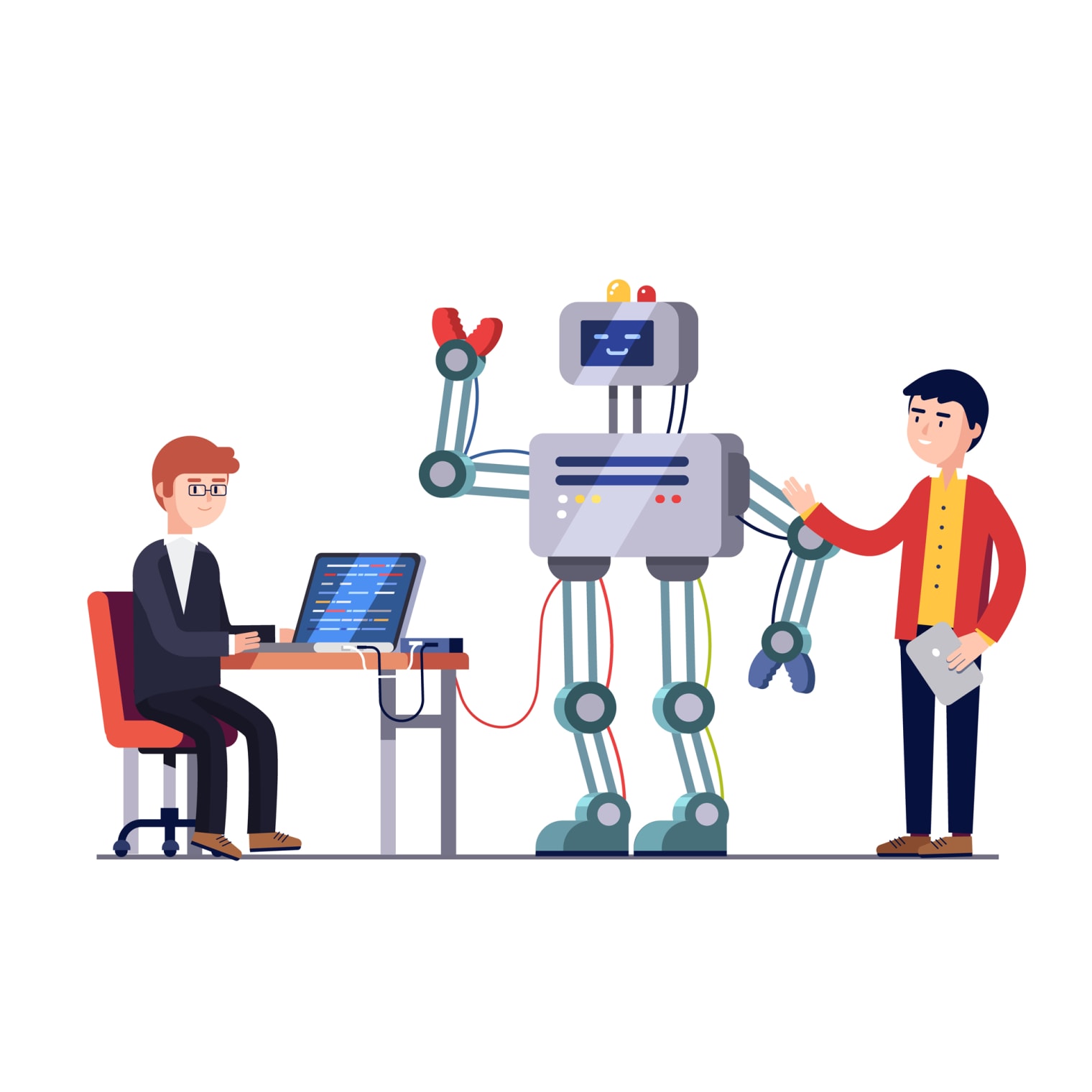
"Digital co-worker" sounds like marketing, but it describes something real and useful: an AI agent that has a specific job in your team, works in your tools, and reports to a person.
This guide explains what that means in practice, what a digital co-worker can and can't do in each department, and how to introduce one without losing control.
What is a digital co-worker?
A digital co-worker is an AI agent given a defined job inside a team. It has a job description, access to the systems it needs (and no more), and a named human manager who reviews and approves its important actions.
Three things set it apart:
- A defined job. "Prepare the Monday status report" or "triage new IT requests", not "help with anything".
- It acts, not just answers. It reads from and writes to your tools, such as email, CRM, SharePoint or the ticketing system.
- It has a manager. A person decides what it may do on its own and what needs sign-off.
Note: the word "co-worker" is a useful frame, not a claim that the software is a person. It is accountable to no one by itself. The human who manages it carries the responsibility.
Digital co-worker vs chatbot vs automation
People often mix these up. The difference is in who starts the work and how much judgement is involved.
| Chatbot or assistant | Classic automation | Digital co-worker | |
|---|---|---|---|
| Starts when | You ask it something | A fixed trigger fires | An event or schedule, or you hand it a task |
| Handles messy input | Yes | No, needs clean data | Yes |
| Takes action in systems | Rarely | Yes, fixed steps | Yes, chooses steps within limits |
| Ongoing responsibility | No | Yes, for one fixed rule | Yes, for a defined job |
| Human role | Asks and reads | Sets it up | Manages, approves, corrects |
In practice, most digital co-workers are a mix: fixed automation for the predictable parts, an AI step where judgement on text or documents is needed, and a person at the decision points. For when to use which, see AI agents vs automation.
How a digital co-worker works
Here is a typical one: a weekly project status reporter.
- TriggerFriday 3pm
Scheduled start
- StepGather updates
Tasks, emails, documents
 Microsoft 365
- AIDraft status report
Progress, risks, blockers
 Claude
- YouProject lead reviews
Edits, approves or rejects
- ResultReport sent
Posted to the team channel
 Microsoft Teams
The agent does the gathering and the first draft. The project lead spends ten minutes reviewing instead of an hour compiling. Nothing goes out without a person reading it.
The scheduling and gathering run in a workflow tool (see n8n vs Make vs Zapier), and the drafting step can use any of the main models (see which LLM to integrate). For agents with many steps and tools, see LangChain vs LangGraph.
Examples by department
These are realistic first jobs. Each one has a clear boundary where a person takes over.
| Department | Digital co-worker's job | What the person still does |
|---|---|---|
| Operations | Compile weekly status reports; file documents in the right place; chase overdue approvals | Decide priorities, approve, handle exceptions |
| Finance | Extract invoice details; match them to purchase orders; flag mismatches | Approve payments, resolve disputes |
| Sales | Update the CRM after calls; draft follow-up emails; prepare account briefs before meetings | Build relationships, negotiate, send |
| Marketing | Draft campaign reports; repurpose content into first drafts; check posts against brand rules | Strategy, creative direction, final edit |
| IT | Categorise incoming tickets; suggest fixes from the knowledge base; gather details before escalation | Fix complex issues, approve access changes |
| HR | Answer policy questions from the handbook; schedule interviews; prepare onboarding checklists | Every decision about a person |
| Procurement | Read tender and supplier documents; summarise requirements; track deadlines | Bid decisions, supplier choice, contracts |
Watch out: in the EU, AI used to make or support decisions in recruitment, promotion, task allocation or termination is classed as high-risk under the AI Act, with extra obligations for the employer. Keep digital co-workers in HR to admin, not judgements about people, unless you have done the compliance work.
What stays human
A digital co-worker is good at volume, consistency and speed on well-defined tasks. It is poor at the things that make up most of a skilled job.
- Judgement under uncertainty: whether to bid, which supplier to trust, when to make an exception.
- Relationships: the call that keeps a client, the conversation with an unhappy colleague.
- Accountability: signing off a payment, a contract or a public statement.
- Context it was never given: the history, politics and unwritten rules of your business.
- Anything about people's careers: hiring, performance, pay and dismissal.
The honest picture is that digital co-workers take over tasks, not roles. The gathering, copying, formatting and chasing shrink. What's left is the part of the job people usually prefer.
How to introduce a digital co-worker
Treat it like hiring for a narrow role: a clear job, limited access, a probation period and a manager.
- Pick one job. Choose a task that is frequent, mostly text or documents, and where a mistake is easy to catch. A weekly report is better than customer replies.
- Write the job description. What it does, what it must never do, which systems it may read, which it may write to, and when it must ask a person.
- Name its manager. One person who reviews its work, gets its alerts and can switch it off.
- Give minimum access. Read-only wherever possible. Separate accounts so its actions are logged as its own.
- Run it in parallel. For two to four weeks, the old process carries on and you compare. Count how often its output needed correcting.
- Widen its limits slowly. Let it act on its own only for outcomes where a mistake is harmless and reversible.
- Tell the team plainly. What it does, what it doesn't, and who to talk to when it gets something wrong.
Tip: under the EU AI Act, organisations using AI systems must take steps to ensure sufficient AI literacy among the staff who use them. Short, practical training on how the co-worker behaves and when to overrule it covers much of this.
Setting the limits
The job description should include a simple table of what the co-worker may do on its own.
| Action | On its own | Needs approval | Never |
|---|---|---|---|
| Read documents and emails in its scope | Yes | ||
| Draft reports, replies or summaries | Yes | ||
| File or tag documents | Yes, once tested | ||
| Send anything outside the company | Yes | ||
| Change financial or customer records | Yes | ||
| Approve payments, contracts or access | Yes | ||
| Make decisions about people | Yes |
Revisit the table after the trial. Most teams move one or two rows towards "on its own" and leave the rest.
Avoiding "AI theatre"
Some deployments exist to look modern rather than to remove work. The signs are familiar: a chatbot nobody asked for, a pilot that never reaches real data, success measured in prompts sent rather than hours saved.
Start instead from a bottleneck you can name: the report that takes Friday afternoon, the inbox that sits unread for two days, the approvals nobody chases. If you can't name the bottleneck, you don't need a digital co-worker yet.
Measuring whether it works
Skip the industry averages and measure your own process before and after.
- Time: hours spent on the task per week, before and during the trial.
- Quality: how often a person had to correct the output.
- Speed: time from request to result, for example ticket to first response.
- Trust: whether the team actually uses what it produces.
If the corrections take as long as the original task, change the job or stop.
Where this fits for Easify AI
We run parts of our own work this way; how Easify AI uses AI to run our own agency shows where.
Our Bison system is built on this idea for operations: AI prepares status reports, files documents and chases approvals across the tools you already use, and a named person signs off every decision that matters. For a broader view of where agents fit, see the five stages of AI maturity and why most AI implementations fail.
Summary
- Definition: a digital co-worker is an AI agent with a defined job, limited access and a human manager.
- Not a chatbot: it acts across systems on events and schedules, and hands decisions to people.
- Good first jobs: reports, document filing, ticket triage, CRM updates and chasing approvals.
- What stays human: judgement, relationships, accountability and every decision about people.
- How to start: one job, a written job description, minimum access, a parallel trial and slow widening of limits.
Frequently asked questions
- What is a digital co-worker?
- A digital co-worker is an AI agent given a defined job inside a team, such as preparing weekly reports or triaging requests. It works in your existing tools with limited permissions, and a named person reviews and approves its important actions.
- How is a digital co-worker different from a chatbot?
- A chatbot answers when you ask it something. A digital co-worker has ongoing responsibilities: it is triggered by events, takes steps across several systems, and hands work to people for approval.
- Will digital co-workers replace jobs?
- They mostly take over tasks, not whole roles: the gathering, copying, formatting and chasing around a job. Decisions, relationships and accountability stay with people, though some roles will change shape as the admin shrinks.
- How do I introduce a digital co-worker to my team?
- Pick one repetitive job, write its description and limits, give it the minimum access it needs, keep a person approving its output, and run it alongside the current process before relying on it.